Vehicle operations
Check in, search, assign, inspect, retrieve, and check out vehicles with a complete operational history.

Arkaiv connects the command center, PAW mobile app, guest pickup journey, staff coordination, and property-specific workflows—without forcing every venue to operate the same way.
Built for resorts, restaurants, hospitals, events, mixed-use properties, and parking operators.
Fields, dashboards, modules, zones, and guest workflows adapt to each operation.
The command center and curbside workflow stay connected in one operating system.
Owners, admins, managers, valets, and viewers get the access their work requires.
Vehicles, requests, staff activity, messages, and notifications update as work moves.
The operating layer
Arkaiv keeps the live valet lane and the management view in the same system. Teams work from focused mobile tools while leaders retain operational context, controls, and reporting.
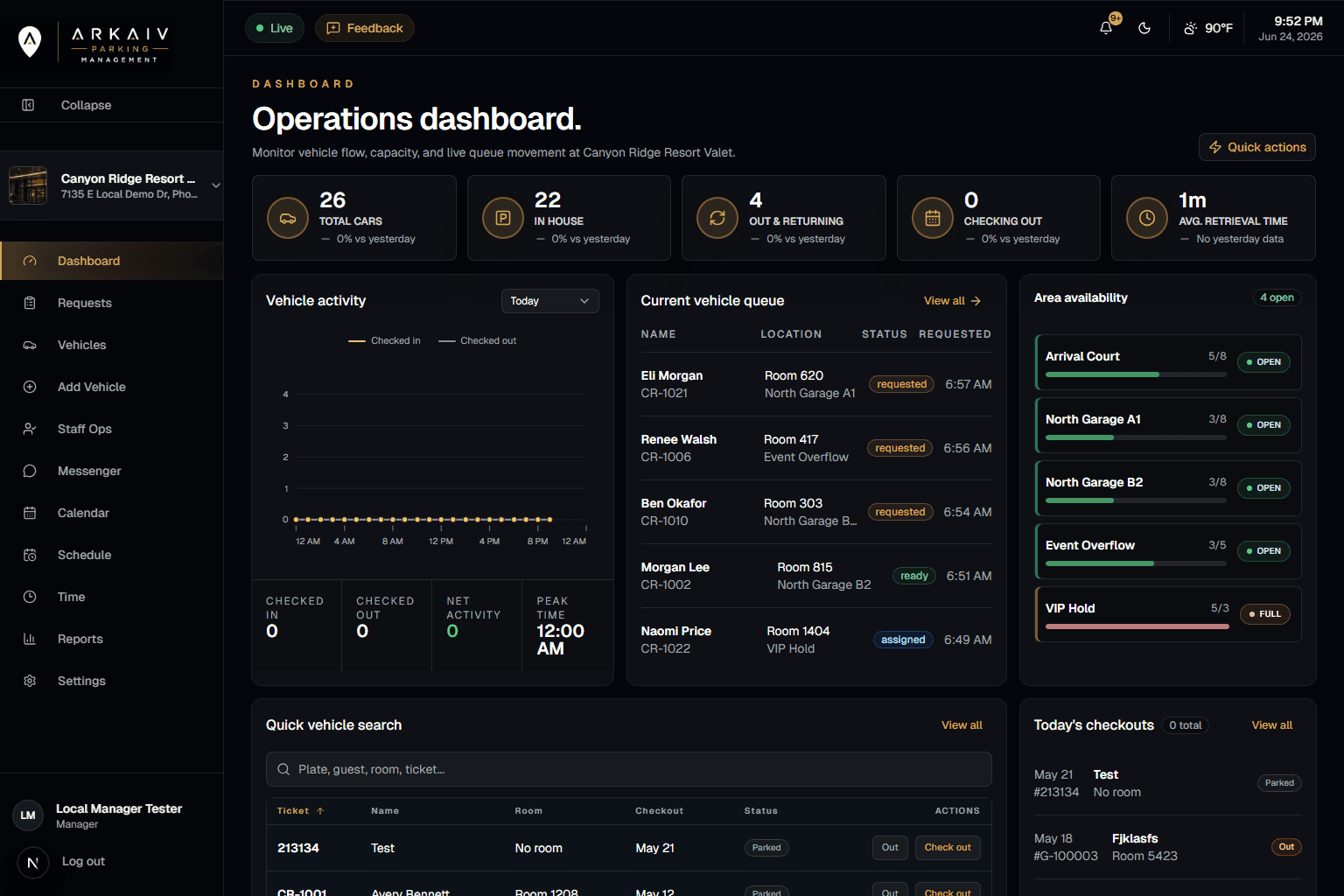
See queues, vehicles, service timing, capacity, activity, and configurable metrics at a glance.
Search, scan, inspect, update, and retrieve without dragging field teams through a desktop workflow.
Keep vehicle state, guest requests, messages, staff context, and events synchronized across the property.
Check in, search, assign, inspect, retrieve, and check out vehicles with a complete operational history.
Give guests a direct request path with live status, replies, feedback, and optional tipping.
Keep schedules, time clock activity, messaging, notifications, and shift context beside the work.
See service queues, retrieval performance, capacity, audit events, and configurable dashboard metrics.
Attach inspection photos and vehicle condition context to reduce ambiguity at handoff.
Designed for mobile use, installable as a PWA, with property-controlled offline operation support.
PAW mobile
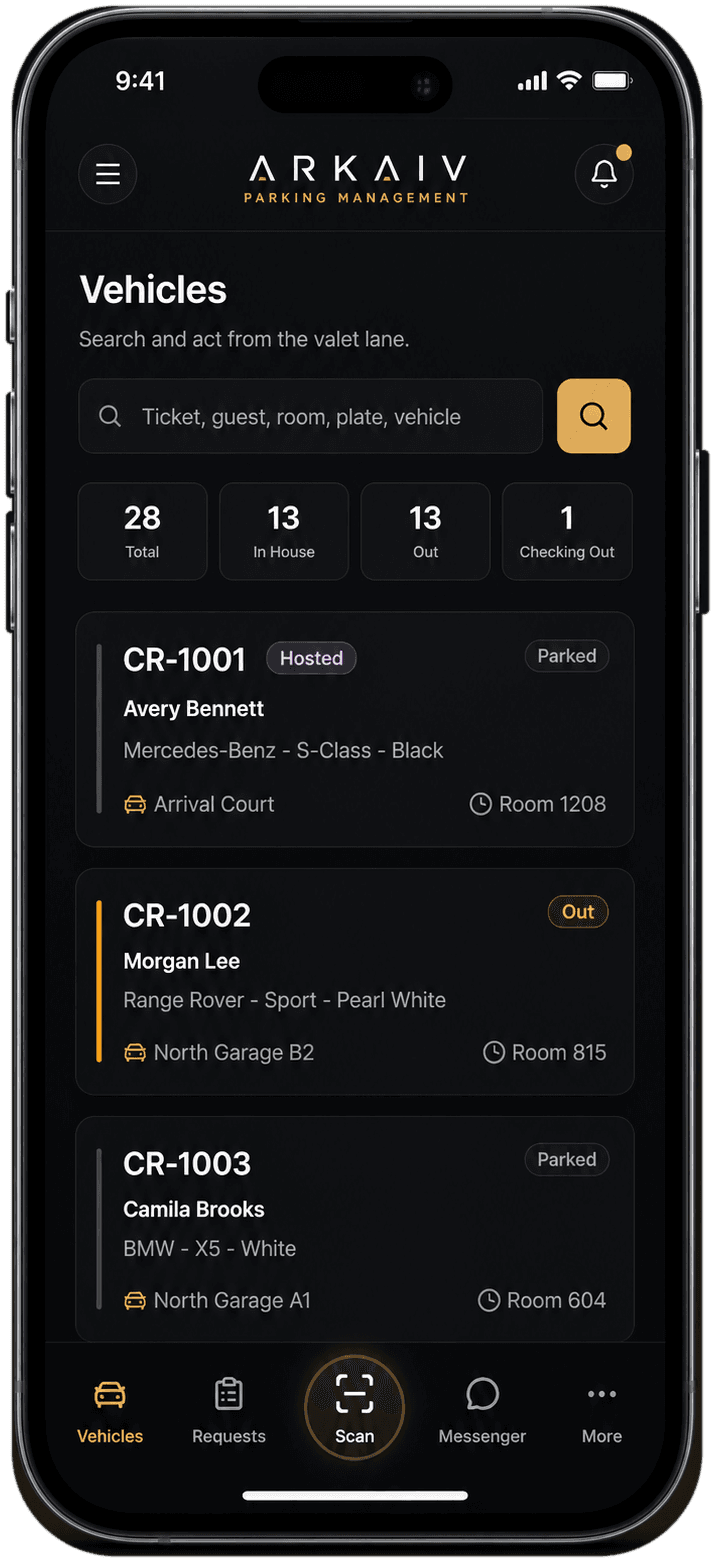
PAW keeps the highest-frequency actions close: vehicles, pickup requests, scanning, team messaging, schedules, and time activity. It is designed for touch, installable on supported devices, and scoped to the selected property.
Guest experience
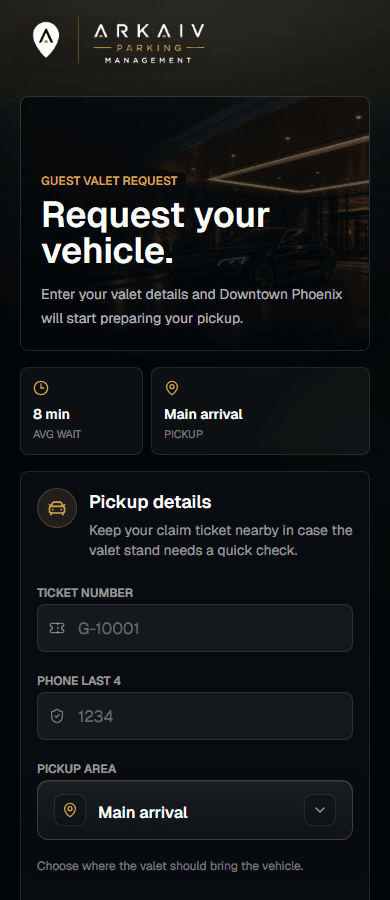
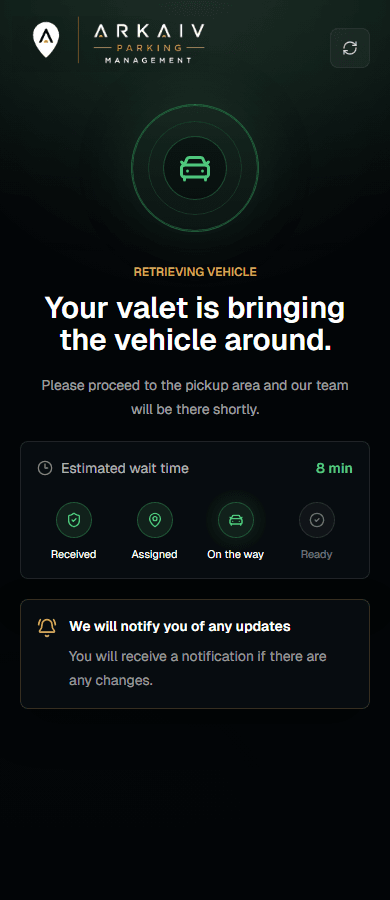
When enabled for a property, guests can use a secure web experience to request their vehicle, follow progress, reply to the team, leave feedback, and access optional tipping.
Repeatable onboarding
Each rollout begins with a property template, then turns supported settings into the fields, modules, and workflows the team actually needs.
Start from a resort, restaurant, hospital, event, or mixed-use template, then normalize the settings the property supports.
Choose vehicle fields, dashboard metrics, operational modules, parking areas, guest features, and staff permissions.
Invite staff, assign roles and locations, install the PAW app, and train against the property’s real operating flow.
Use live queues, reporting, feedback, and audit history to refine service without rebuilding the property app.
Use cases
Property type selects a sensible starting template. The live application then asks the property settings what it supports instead of hardcoding every workflow around one venue.
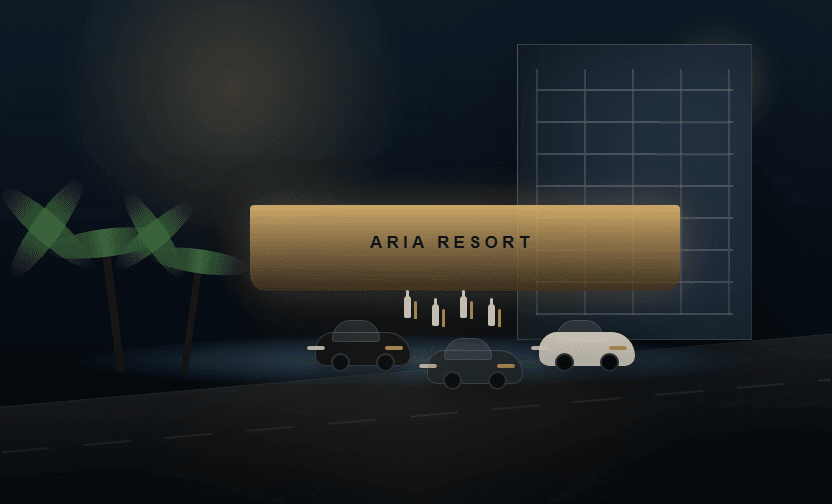
Room context, checkout waves, overnight parking, VIP handling, retrieval requests, and arrival-court visibility.
Discuss this operation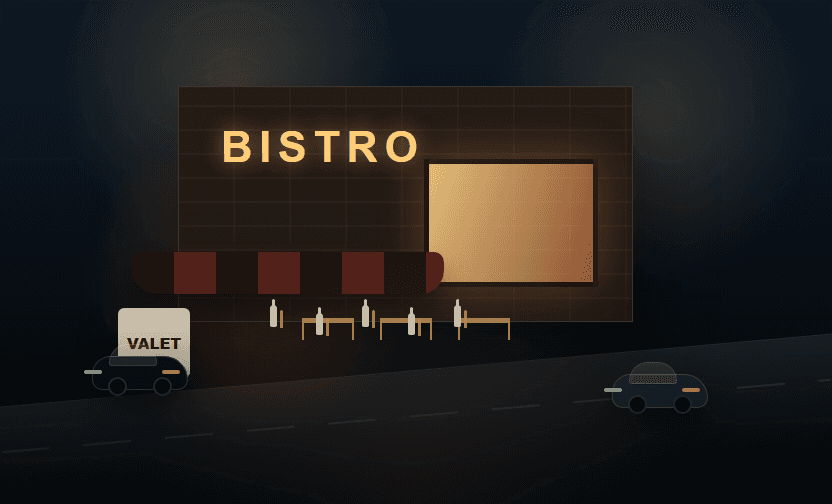
Table or dining-area context, fast vehicle turnover, guest messaging, tips, and compact team workflows.
Discuss this operation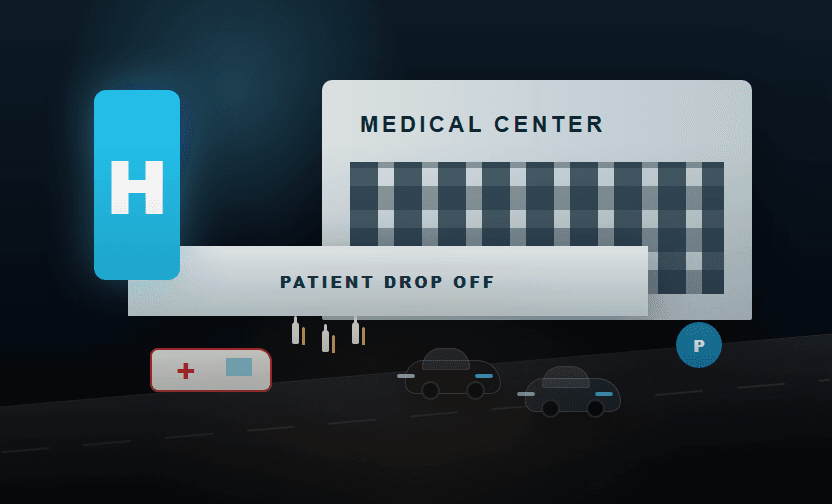
Accessible guest handoffs, clear vehicle status, shift continuity, and configurable operational areas.
Discuss this operation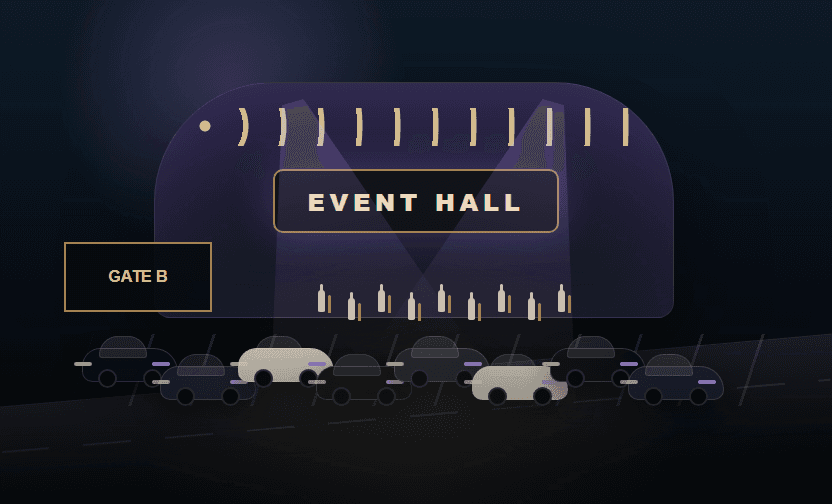
Zones, parking levels, capacity views, multi-tenant operations, and high-volume arrival and departure periods.
Discuss this operationSecurity and control
Arkaiv combines application authorization, database controls, secure server mutations, and deployment hardening so property data remains scoped to the people and locations that should use it.
Integration foundation
Messaging, payments, realtime data, and notifications are property-aware. Additional PMS, reservation, access-control, or operator integrations can be scoped during discovery.
Property-scoped SMS updates and guest communication.
Connected payment workflows for enabled guest tipping.
Realtime data, authentication, storage, and row-level security.
Installable app notifications for supported devices and browsers.
Tailored pricing
Pricing reflects property count, operational scale, enabled modules, messaging and payment usage, integrations, and onboarding requirements. Start with one property or plan a repeatable multi-property rollout.
Scope my rolloutFrequently asked
A demo goes deeper into the operation, but these are the questions most teams need answered first.
No. Property type provides a starting template, while live behavior is driven by normalized property settings. Resorts, restaurants, hospitals, events, and mixed-use venues can expose different fields, modules, metrics, zones, and guest workflows.
Arkaiv is designed for modern desktop and mobile browsers. The PAW experience can be installed as a progressive web app, and supported devices can use camera-based ticket scanning. Hardware recommendations can be matched to the property during onboarding.
Yes. Enabled properties can give guests a secure web request experience for pickup status, replies, feedback, and optional tipping without requiring an account or app install.
Arkaiv starts with a property template, then configures operational areas, fields, modules, roles, guest features, and integrations. The rollout can begin with a single property and expand through repeatable provisioning.
Yes. Organizations can manage multiple properties while keeping memberships, settings, operations, and reporting scoped to the selected location.
The platform uses role-aware authorization, row-level security, explicit database grants, server-side validation, audit events, retention controls, and hardened application headers. Exact deployment and compliance requirements are reviewed during implementation.
The current platform includes integration points for messaging, payments, web push, and property configuration. Reservation, PMS, access-control, and other system requirements can be scoped during discovery.
Pricing is tailored to property count, operational scale, enabled modules, messaging or payment usage, integrations, and onboarding needs. The demo request gives the Arkaiv team enough context to recommend the right rollout.
Request a demo
Tell us where the friction is today. We will use the conversation to map a property configuration, rollout path, and pricing approach around the actual operation.